Template
Meeting notes templates
Good meeting notes save time later.
Download the template


Download everything
All 2 versions, in Word and PDF, in one ZIP file (852 KB).
How to use it
- Pick the layout that suits your meeting: simple notes or formal minutes.
- Fill in the date, time, place and attendees before the meeting starts.
- During the meeting, write down decisions and actions rather than every word.
- Give each action an owner and a due date.
- Send the notes to everyone the same day, or circulate the minutes for approval at the next meeting.
About this template
They record what was decided, who is doing what and by when, so nobody has to rely on memory. Choose the simple one-page notes for team catch-ups and project meetings, or the formal minutes layout for committees, clubs and boards. Each comes as an editable Word file and a print-ready PDF, with a filled-in example so you can see how it works. Everything is free to download and use.
Questions
What is the difference between meeting notes and minutes?
Notes are an informal summary for your own team. Minutes are the formal record of a meeting, usually checked by the chair and approved at the next meeting.
How long should meeting notes be?
One page is usually enough. Focus on decisions, actions and any deadlines, not a full transcript.
Do I have to keep minutes?
It depends on your organisation. Check its constitution or governing document, or ask the relevant regulator or adviser.
Can I edit the template?
Yes. Open the Word file and add, remove or rename any row or heading to suit your meeting.
Related templates
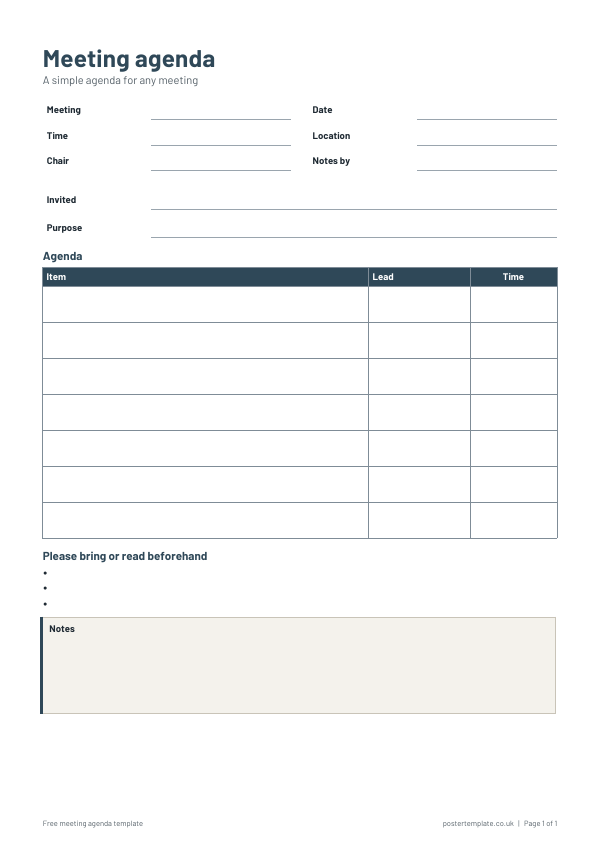 Meeting agenda templates
 Project plan templates
 Gantt chart templates
 Work plan templates
Free, no sign-up. Edit the Word file or print the PDF. All templates