Template
Employment application form templates
An application form asks every candidate for the same information in the same order, which makes it easier to compare them fairly.
Download the template
Download everything
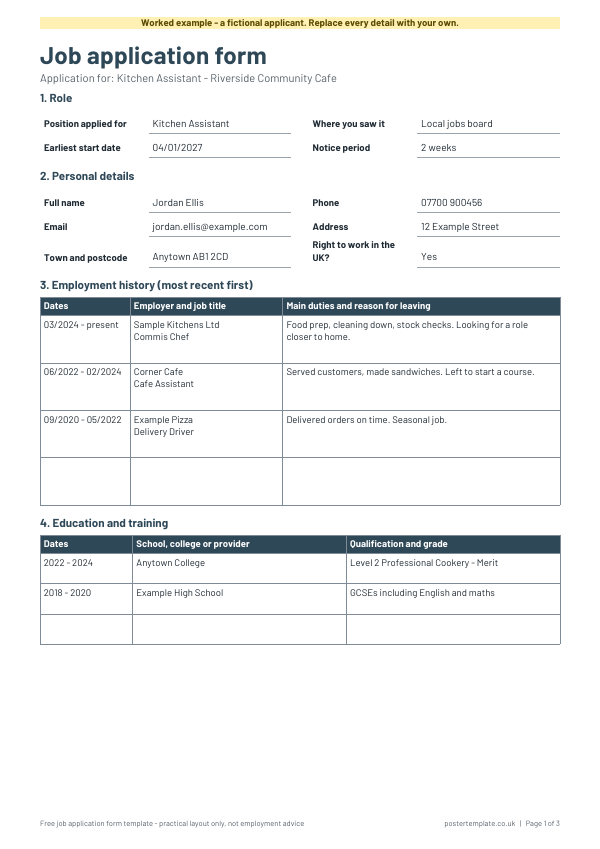
Blank and worked example, in Word and PDF, in one ZIP file (442 KB).
More free templates from elsewhere
Free resources from other websites - we check these links regularly.
-
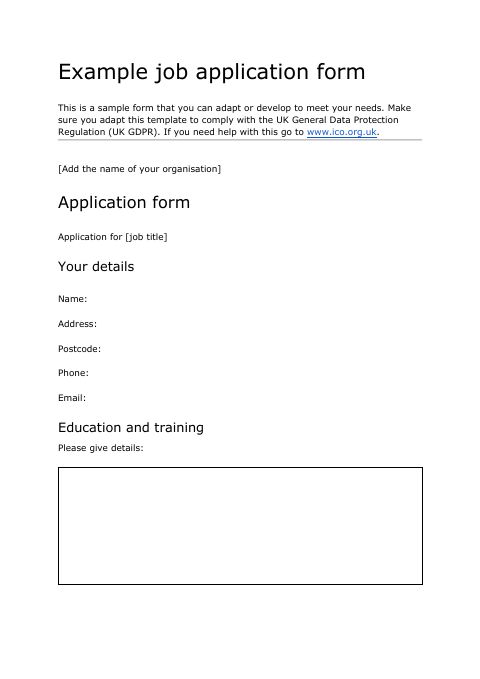 Job application form template (Word)
Opens on Acas
(external site, opens in a new tab)
-
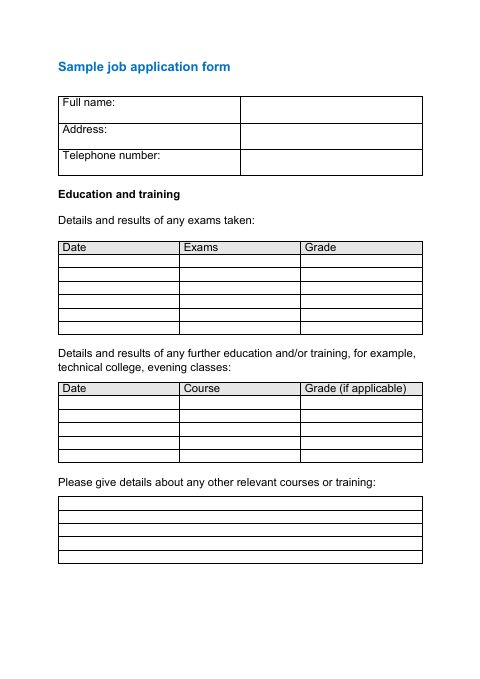 Sample job application form (Word)
Opens on Skills for Care
(external site, opens in a new tab)
-
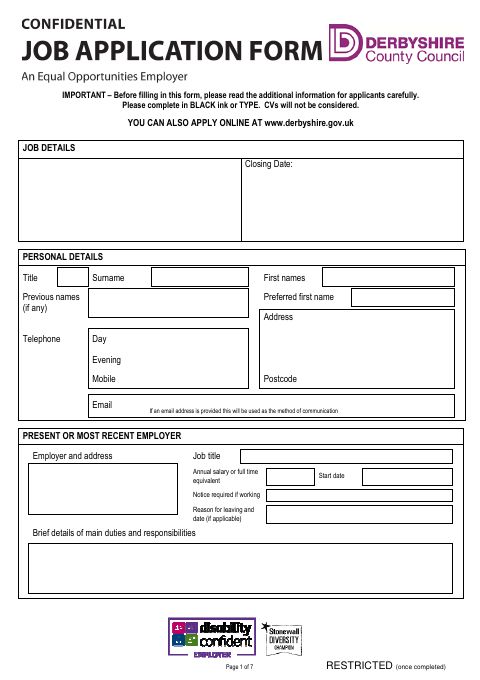 Application form with equal opportunities monitoring
Opens on Derbyshire County Council
(external site, opens in a new tab)
-
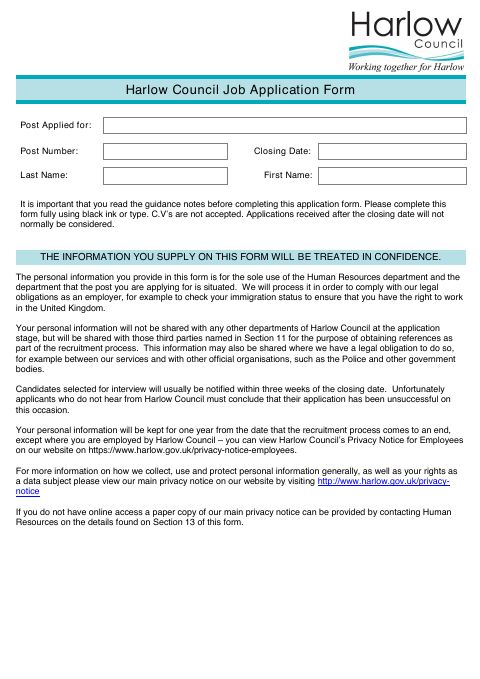 Job application form
Opens on Harlow Council
(external site, opens in a new tab)
How to use it
- Open the Word file and delete any section you do not need.
- Add questions specific to the role, such as shift availability or a driving licence.
- Keep personal questions to the minimum you need to make a decision.
- Give every candidate the same form.
- Store completed forms securely and delete them when you no longer need them.
About this template
This free template covers the role, contact details, employment history, education, a personal statement, references and a declaration. It is kept to the basics, so you can add role-specific questions and remove anything you do not need. Download it as a Word file to edit or a PDF to print, and use the filled-in example as a guide. It is a practical layout, not employment advice.
Questions
What should an application form ask?
Contact details, work history, education and training, why the person is applying, and references. Ask only what helps you decide who to interview.
Should I ask about age, marital status or health?
No. GOV.UK says you must not ask candidates about protected characteristics, or whether they are married or in a civil partnership, except in limited cases. For example, you can ask about health or disability to find out if someone needs adjustments for an interview, and you can ask for a date of birth only if the job has a minimum age. See ACAS and GOV.UK for guidance on fair recruitment, and keep any equal opportunities monitoring separate and optional.
How long should I keep application forms?
Data protection law does not set a fixed period. The ICO says you should set a clear retention period and not keep records of unsuccessful candidates beyond the time in which a legal claim could be brought. See the ICO's guidance on keeping recruitment records.
Is this form legal advice?
No. It is a template to organise information. Check official guidance if you are unsure of your responsibilities as an employer.
Related templates
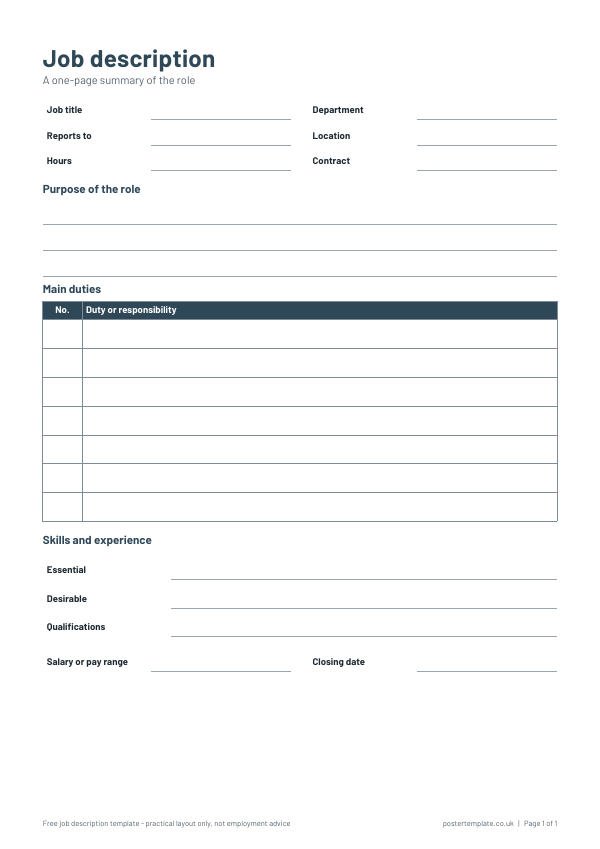 Job description templates
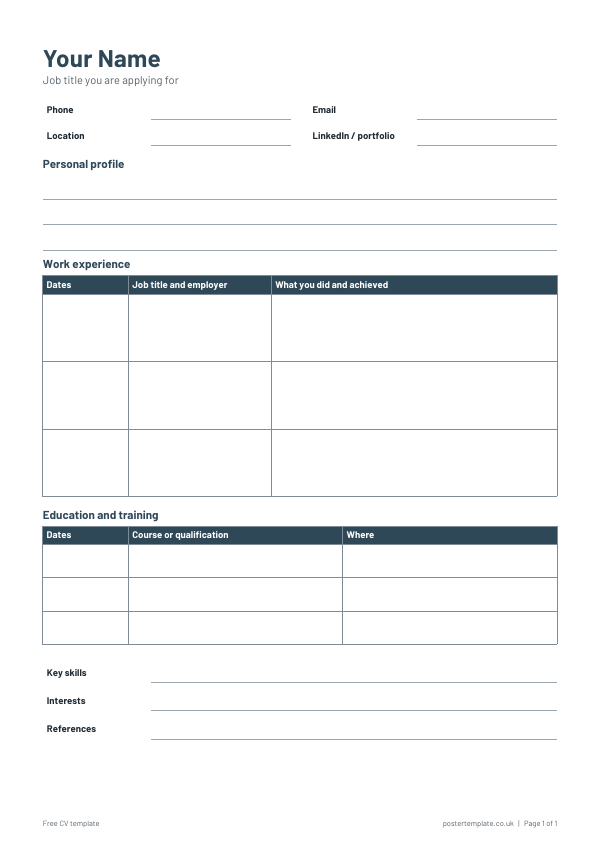 Curriculum vitae templates
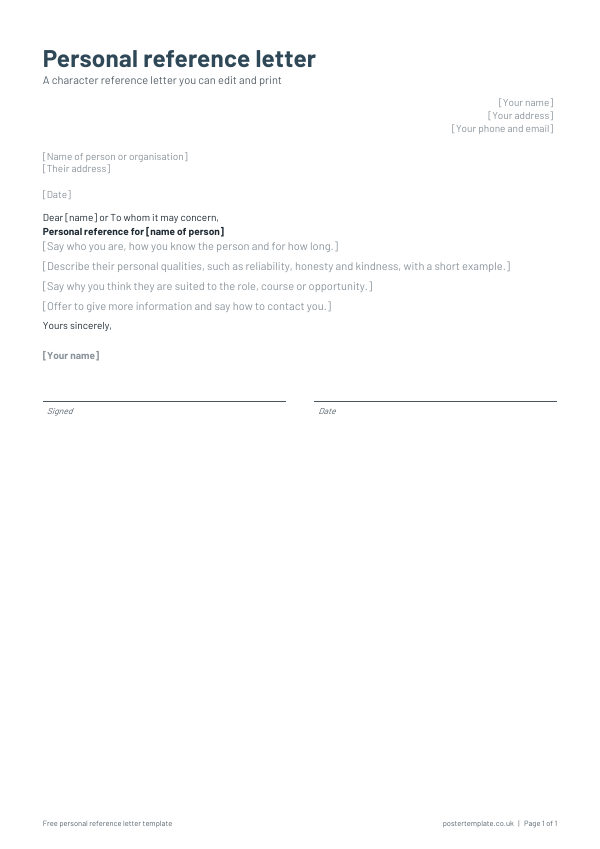 Personal reference letter template
 Meeting agenda templates
Free, no sign-up. Edit the Word file or print the PDF. All templates