Template
Work schedule templates
Two free work schedule templates.
Download the template
Download everything
All 2 versions, in Word and PDF, in one ZIP file (838 KB).
How to use it
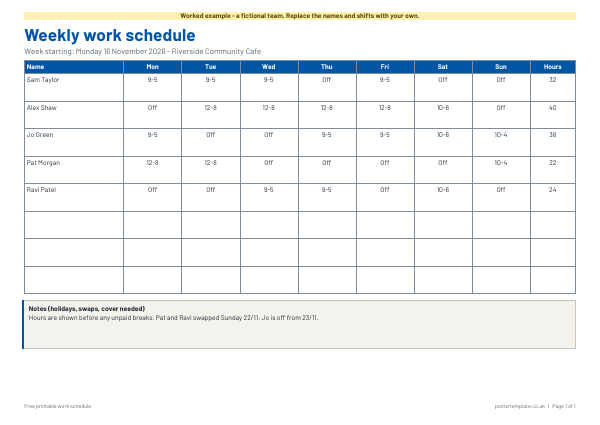
- Write the week-start date and the names of the people on the schedule.
- Enter each person's start and finish times, or write Off on days they are not working.
- Add up the hours in the last column.
- Use the notes box for holidays, swaps and cover.
- Print it and put it where the team can see it, or share the Word file.
About this template
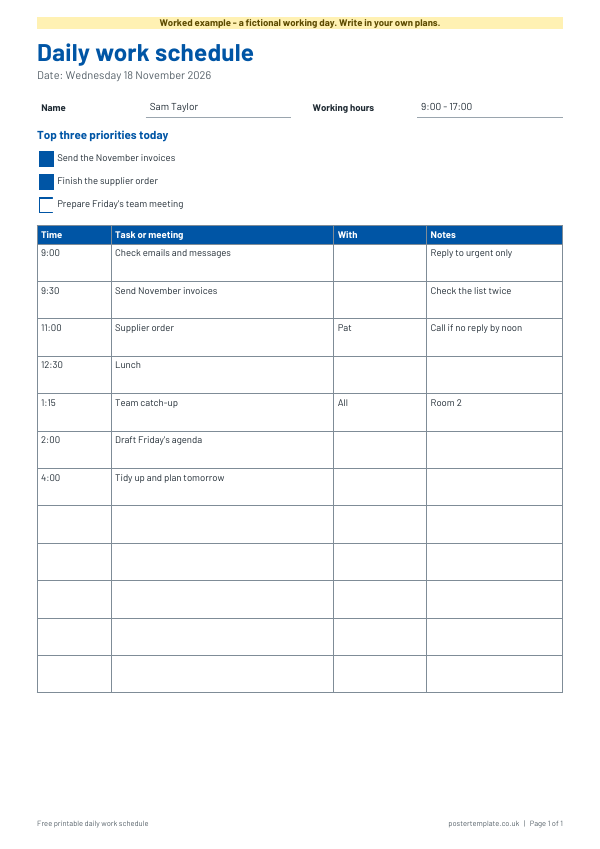
The weekly schedule is a landscape grid with a row for each person and a column for each day, so you can see who is working when at a glance. The daily schedule is an hour-by-hour sheet for planning your own working day, with space for three priorities. Both come as a blank and a worked example using a fictional cafe team, and both download as Word and PDF, free. Use them for a small team, a shop, a club rota or your own week.
Questions
Can I use the weekly schedule for shifts that cross midnight?
Yes. Write the times in the box for the day the shift starts, and add a note if it runs past midnight.
How do I show breaks?
Add them in the cell, for example 9-5 (30 min break), or use the notes box.
Where can I check the rules on working hours and breaks?
This template only records who is working when. For the rules, see GOV.UK or ACAS.
Can I change the days or add more people?
Yes. Edit the Word file to add rows, or print a second sheet.
Related templates
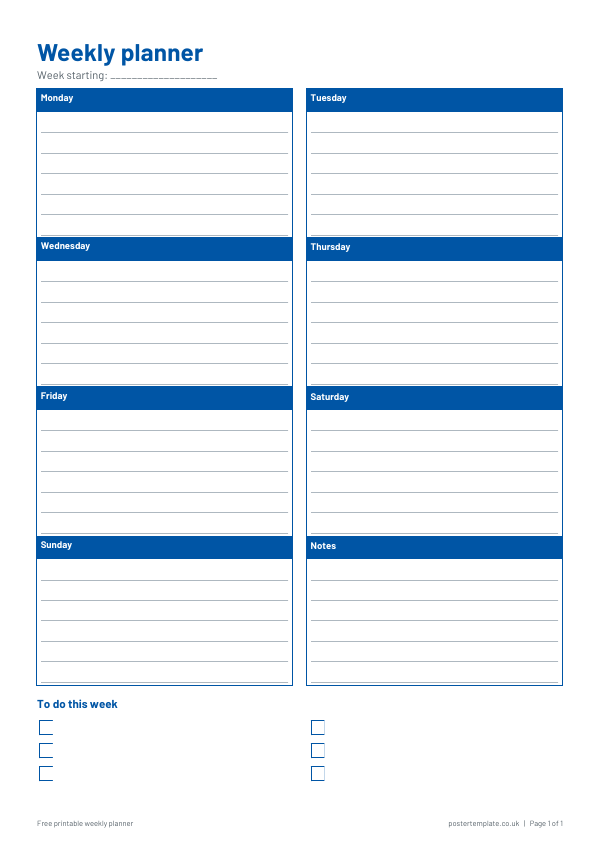 Weekly planner templates
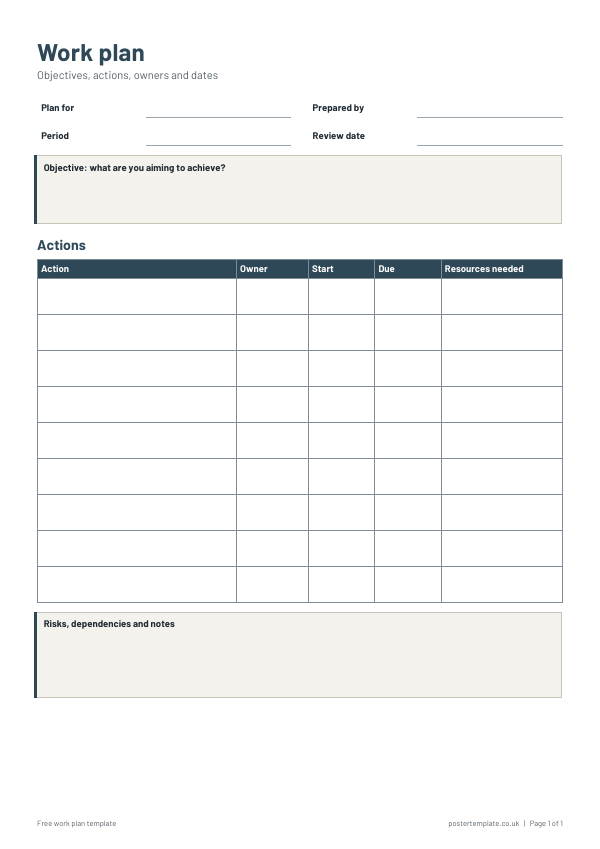 Work plan templates
 Itinerary templates
Free, no sign-up. Edit the Word file or print the PDF. All templates