Template
Weekly planner templates
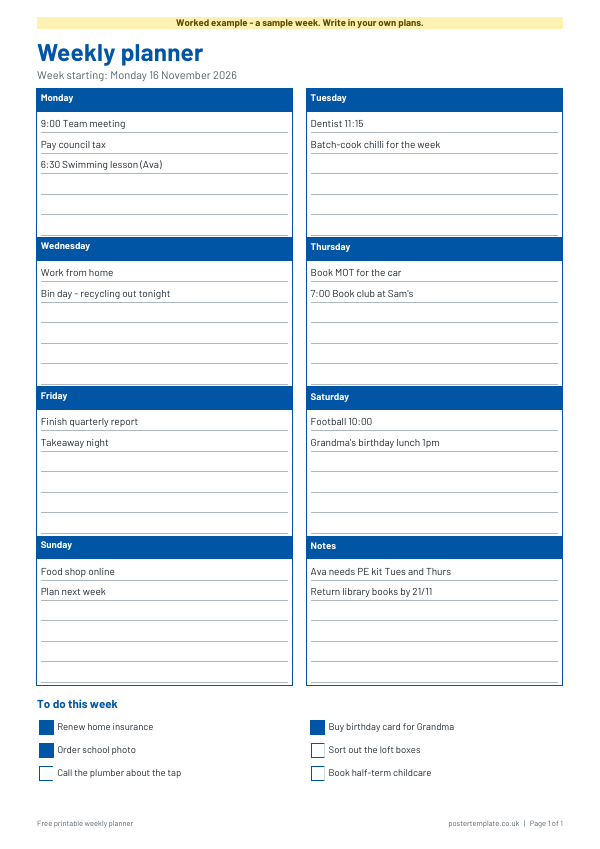
A free weekly planner on one A4 portrait page.
Download the template
Download everything
Blank and worked example, in Word and PDF, in one ZIP file (420 KB).
How to use it
- Write the week-starting date at the top.
- Fill in each day's box with appointments, jobs and anything you need to remember.
- Use the notes box for things that do not fit a particular day.
- Add jobs to the to-do list, and tick them off as you finish them.
- At the end of the week, move anything unfinished onto next week's sheet.
About this template
It has a box for each day from Monday to Sunday, a notes box, and a weekly to-do list with tick boxes. The dates are left blank, so you can print a fresh sheet every week, and you can write in appointments, jobs, meals or whatever else you need to keep track of. A worked example shows a sample week for a family, so you can see how the boxes get used. Download it as a Word file to type into, or as a PDF to print and write on by hand.
Questions
Is the planner dated?
No. The dates are blank, so you can use it for any week and print as many as you need.
Can I type into the planner?
Yes. The Word file can be edited, so you can type in repeating tasks before you print. The PDF is best for writing on by hand.
What size does it print at?
It prints on a standard A4 sheet in portrait orientation.
How do I keep a planner useful?
Keep entries short, review it at the same time each week and carry unfinished tasks forward rather than leaving them behind.
Are there other planner templates?
Yes. See the related pages for daily planners, calendars and work plans.
Related templates
 Weekly calendar templates
 Daily planner templates
 Daily calendar templates
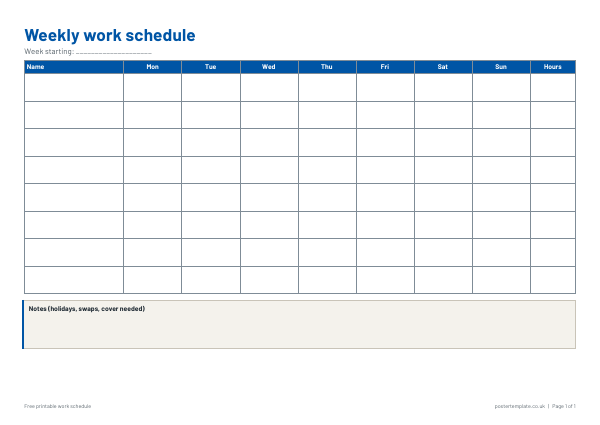 Work schedule templates
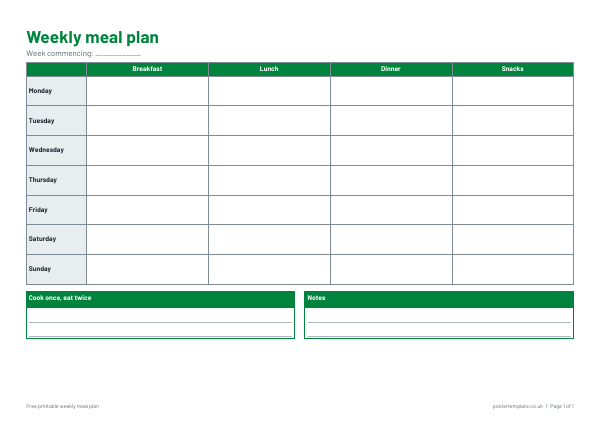 Meal plan templates
Free, no sign-up. Edit the Word file or print the PDF. All templates