Household template
Budget planner template
A budget planner shows where your money goes each month.
Download the household template
Download everything
Blank and worked example, in Word and PDF, in one ZIP file (437 KB).
More free household templates from elsewhere
Free resources from other websites - we check these links regularly.
-
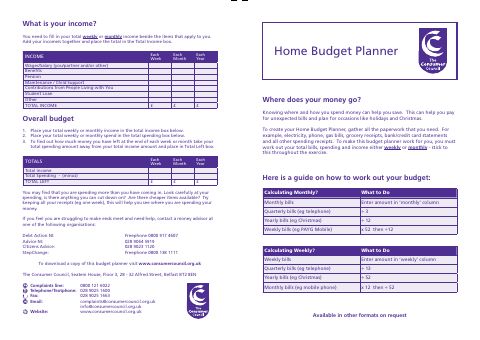 Home budget planner
Opens on Consumer Council (Northern Ireland)
(external site, opens in a new tab)
-
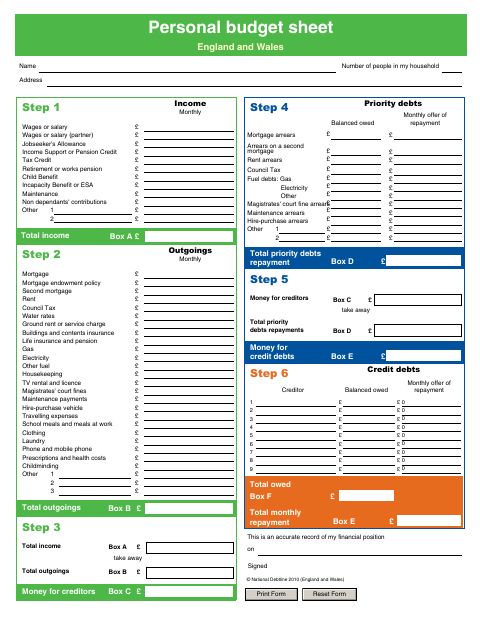 Personal budget sheet (England and Wales)
Opens on Citizens Advice Enfield
(external site, opens in a new tab)
-
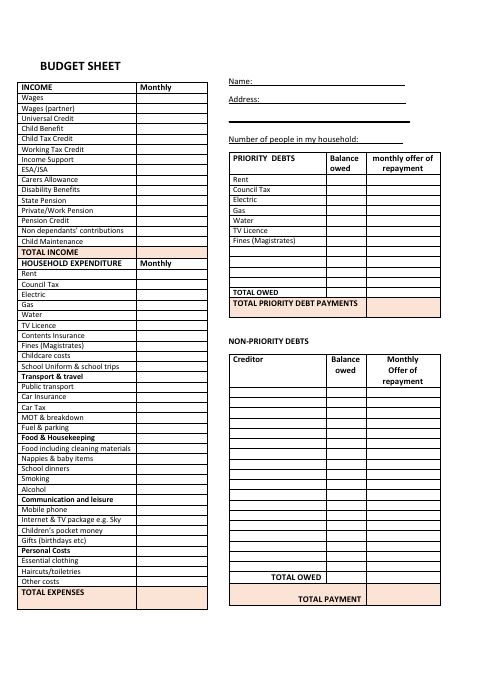 Personal budget sheet
Opens on Southampton City Council
(external site, opens in a new tab)
How to use it
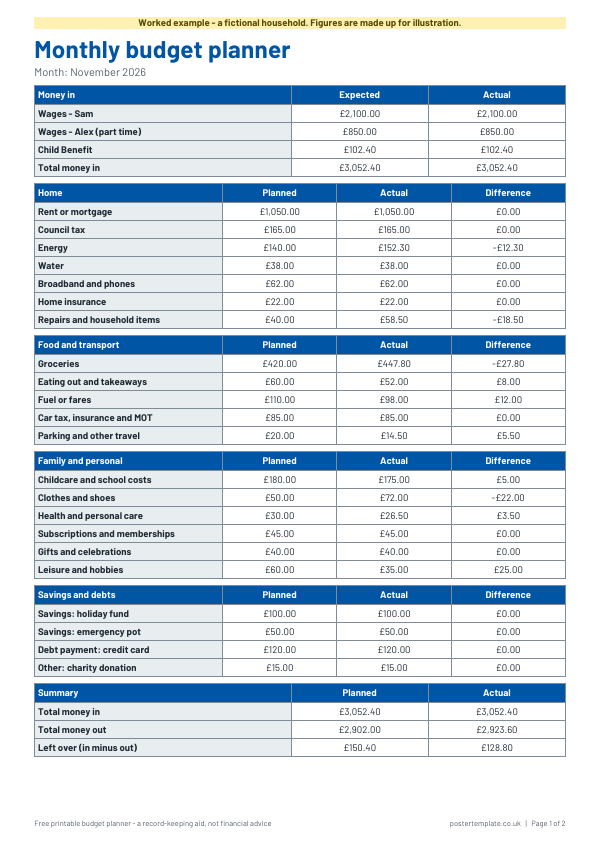
- Write the month at the top and list your income in the first box.
- Fill in the planned column for each spending line, using past bank statements or bills to estimate.
- As the month goes on, write the actual amount in the next column.
- Work out the difference (planned minus actual). A minus means you spent more than planned.
- Complete the summary at the bottom, then use what you have learned to adjust next month.
About this household template
This free printable monthly budget planner has a section for money in and sections for home costs, food and transport, family and personal spending, and savings and debt payments. Each line has a planned and an actual column, with a difference column so you can see where you were over or under. There is a summary at the bottom and a worked example with made-up figures so you can see how it is used. Download it as Word to type into, or as a PDF to print. It organises your own figures and does not give financial advice.
Questions
Is this financial advice?
No. It is a record-keeping aid that organises the figures you give it. For free, impartial money guidance, see MoneyHelper or GOV.UK.
Can I change the categories?
Yes. Open the Word version to rename or add rows, or write over the printed categories on the PDF. The savings and debt box has blank lines for your own items.
How often should I update it?
That is up to you. Some people fill in the actual column weekly, others do it at the end of the month with their bank statement beside them.
Do the worked-example figures mean anything?
No. They are invented to show how the columns work and are not a recommendation for any household.
Related templates
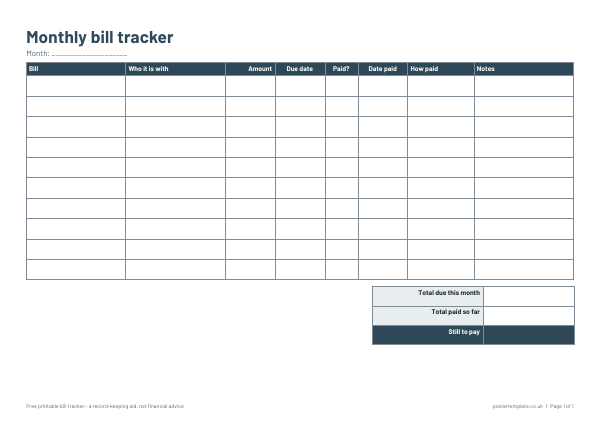 Bill tracker templates
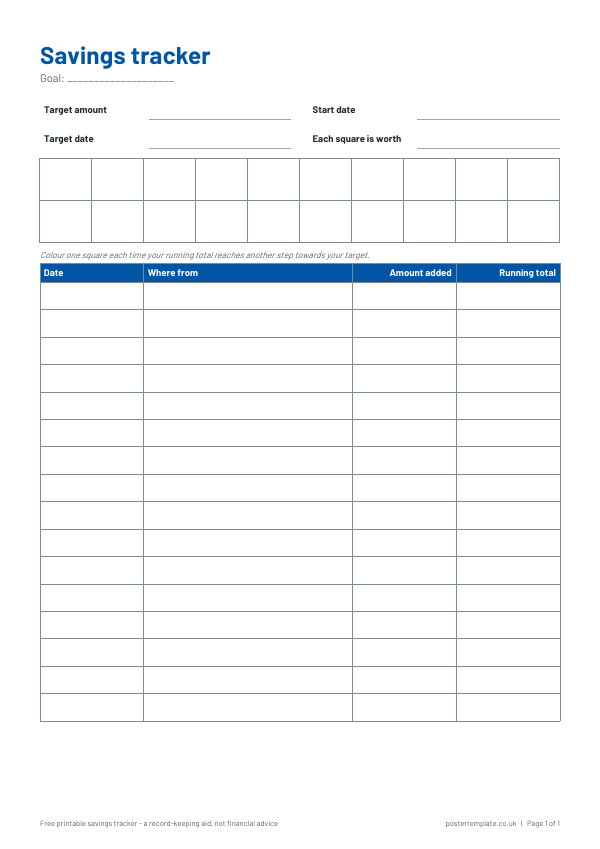 Savings tracker template
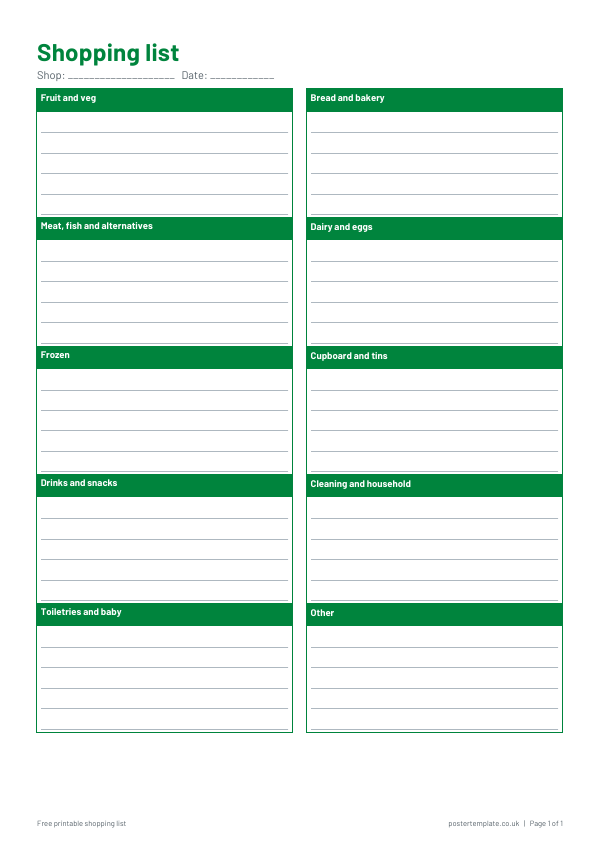 Shopping list templates
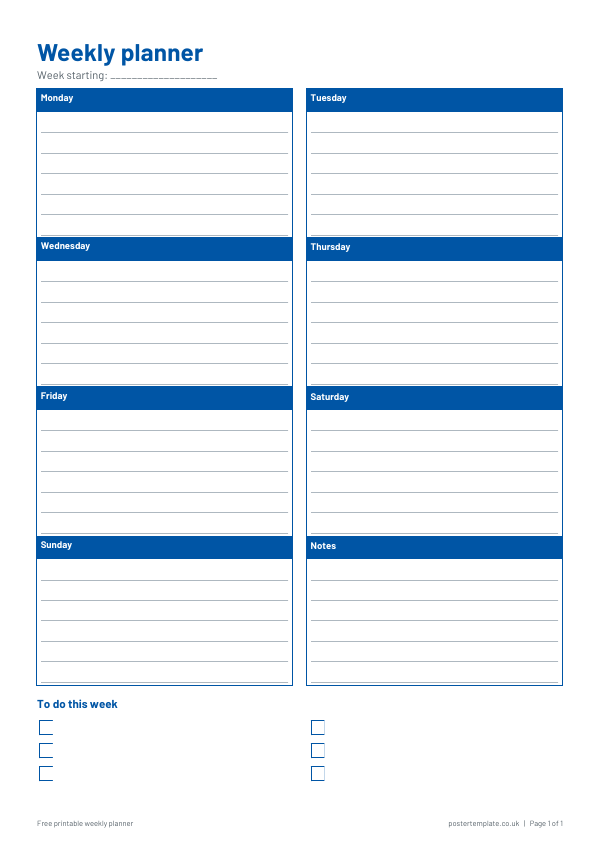 Weekly planner templates
 Meal plan templates
Free, no sign-up. Print it and fill it in by hand, or edit the Word file first. All household