Template
SWOT analysis templates
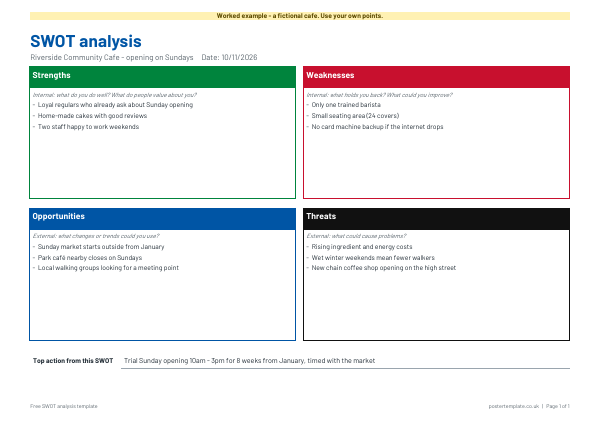
A free SWOT analysis template on a single A4 landscape page.
Download the template
Download everything
Blank and worked example, in Word and PDF, in one ZIP file (417 KB).
More free templates from elsewhere
Free resources from other websites - we check these links regularly.
-
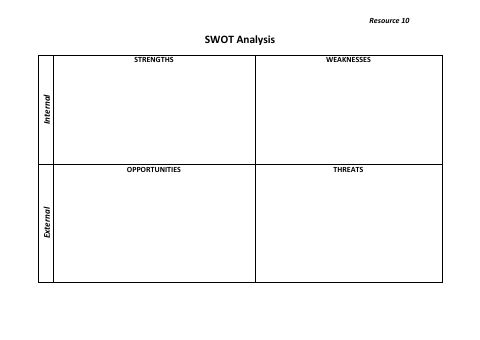 SWOT analysis grid (internal and external)
Opens on Calderdale Council
(external site, opens in a new tab)
-
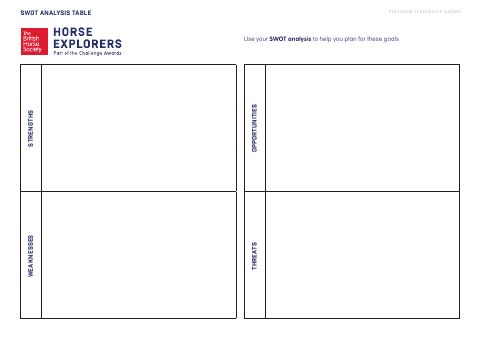 SWOT analysis table
Opens on British Horse Society
(external site, opens in a new tab)
-
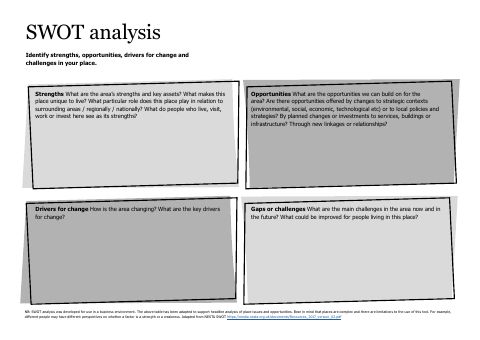 SWOT analysis template
Opens on Architecture and Design Scotland
(external site, opens in a new tab)
-
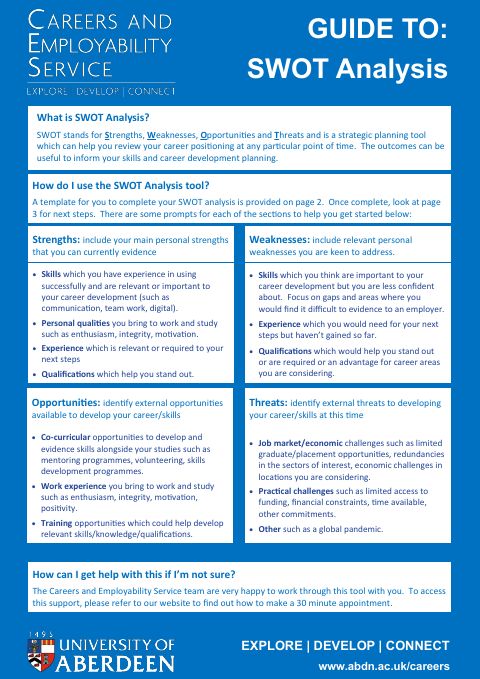 Guide to SWOT analysis (with grid)
Opens on University of Aberdeen Careers Service
(external site, opens in a new tab)
-
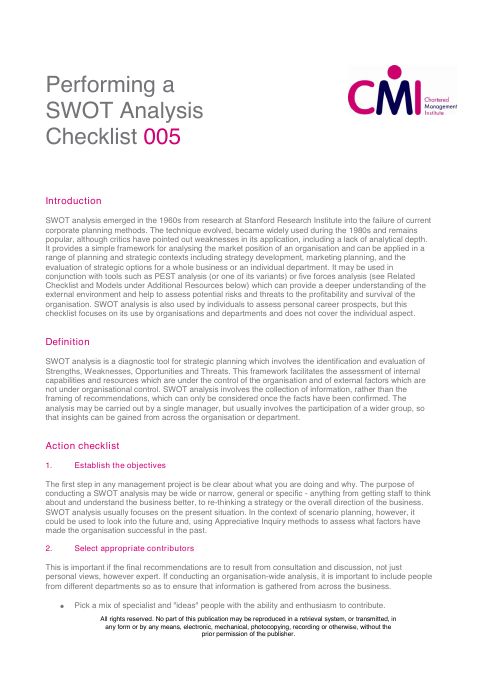 Performing a SWOT analysis (checklist)
Opens on Chartered Management Institute
(external site, opens in a new tab)
How to use it
- Write the business, project or idea you are looking at, and the date, at the top.
- Fill in strengths and weaknesses first. These are internal: what you do well and what holds you back.
- Then fill in opportunities and threats. These are external: trends, changes and risks outside your control.
- Keep each point short, and be specific rather than general.
- Look across the four boxes and write the single most useful action in the line at the bottom.
About this template
It has four boxes for strengths, weaknesses, opportunities and threats, each with a short prompt to start you thinking, plus a line at the bottom for the top action that comes out of the analysis. Strengths and weaknesses are things inside your business, project or idea, while opportunities and threats come from outside it. The worked example is for a fictional community cafe thinking about Sunday opening. Download the blank in Word to type into, or as a PDF to print and write on, free.
Questions
What does SWOT stand for?
Strengths, weaknesses, opportunities and threats.
What is the difference between a strength and an opportunity?
A strength is something you already have or do well. An opportunity is something outside your business, such as a change in the market, that you could take advantage of.
How many points should go in each box?
There is no fixed number. Three to five clear points per box is a practical amount, and the template has room for that.
Can I use a SWOT analysis for something other than a business?
Yes. People use it for projects, career choices, events and personal plans, because it gets the main factors onto one page.
Can I edit the template?
Yes. The Word file lets you type into the boxes, and the PDF can be printed and written on by hand.
Related templates
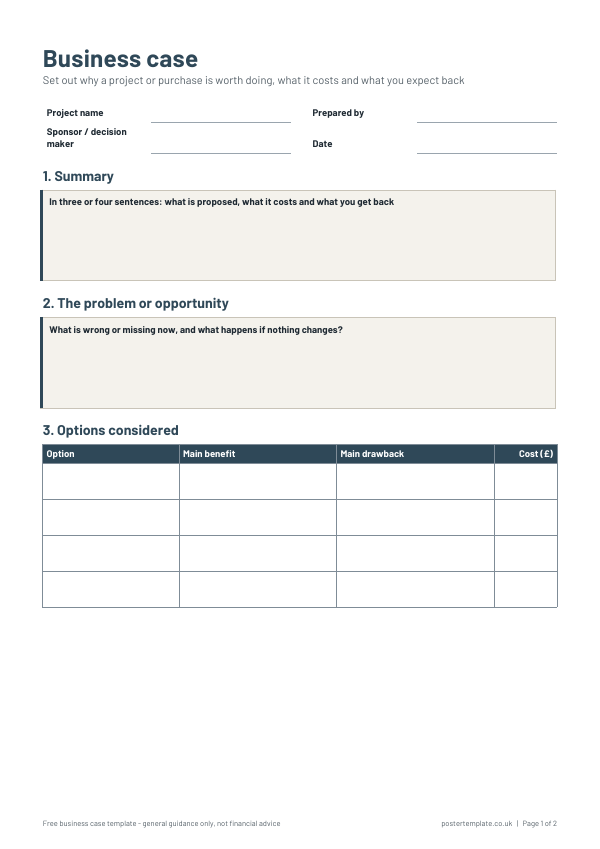 Business case templates
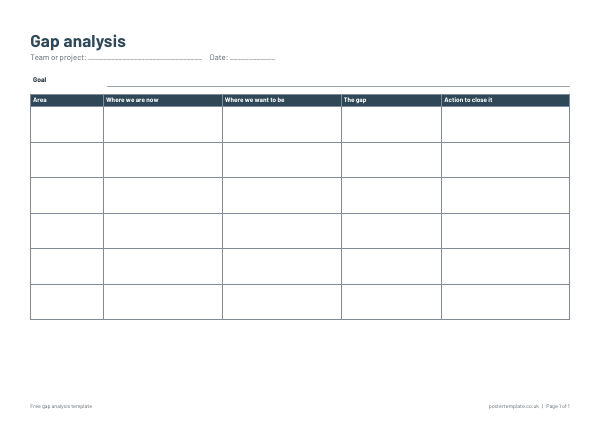 Gap analysis templates
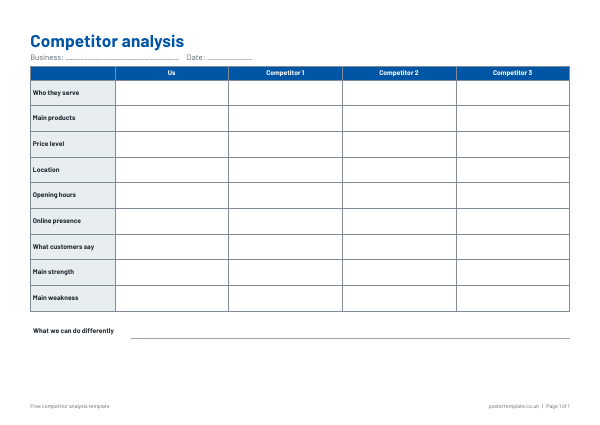 Competitor analysis templates
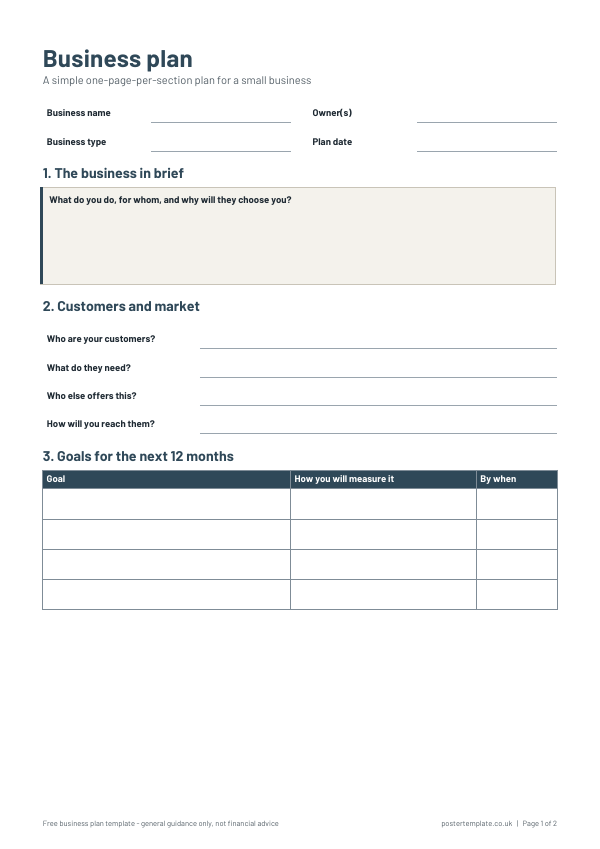 Business planning templates
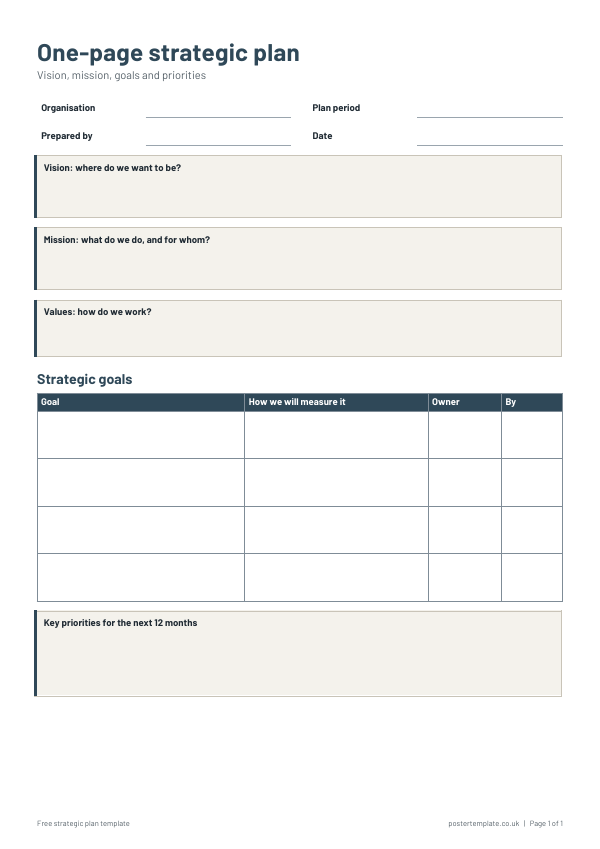 Strategic plan templates
Free, no sign-up. Edit the Word file or print the PDF. All templates