Template
Organisational chart templates
Two free organisation chart templates that show who reports to whom.
Download the template
Download everything
All 2 versions, in Word and PDF, in one ZIP file (843 KB).
How to use it
- Put the person or role at the top in the first box. Add the organisation name and date.
- Fill in the next level with the people who report directly to them.
- Continue down the page, adding names and job titles to the boxes below.
- Use the notes box for vacancies, people who cover other roles and planned changes.
- Date the chart and review it whenever the team changes, so it stays accurate.
About this template
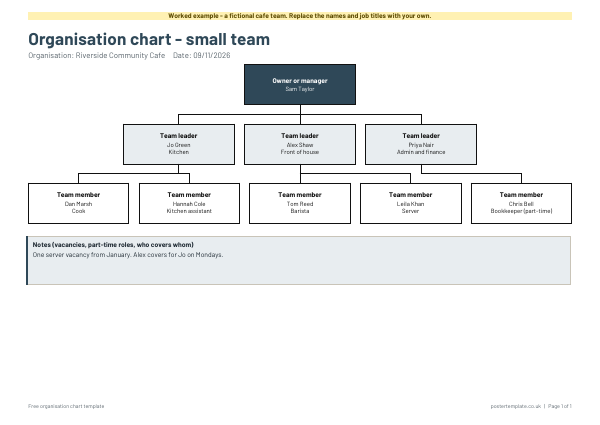
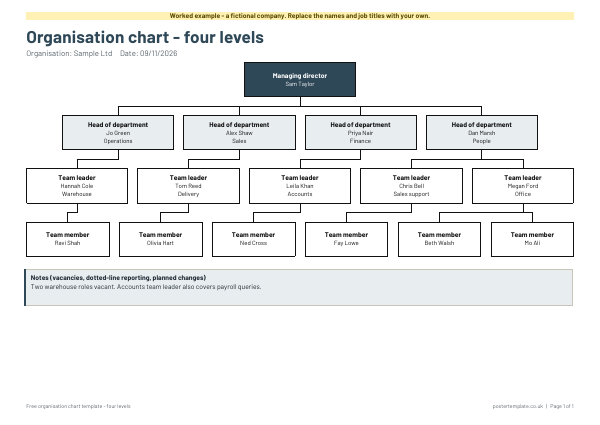
The small-team chart has three levels, with an owner or manager, three team leaders and five team members, and is ideal for a small business, club or charity. The four-level chart adds heads of department for a larger organisation. Each has a notes box for vacancies and part-time roles, a blank version and a worked example with a made-up cafe and company. Both download as Word and PDF, free, and print on one landscape A4 page.
Questions
Can I add or remove boxes?
Yes. Open the Word file, then copy a box or delete one you do not need. For uneven teams, leave some boxes blank.
Does each box connect to one manager?
The connectors link each level to the one above as a group. If people report to different managers, add a line to the box, such as "reports to Jo".
Should I use job titles or names?
Both help. Names make the chart personal and titles keep it useful when people move on.
Are the people in the example real?
No. The cafe, Sample Ltd and the names in them are made up. Replace each one with your own.
Related templates
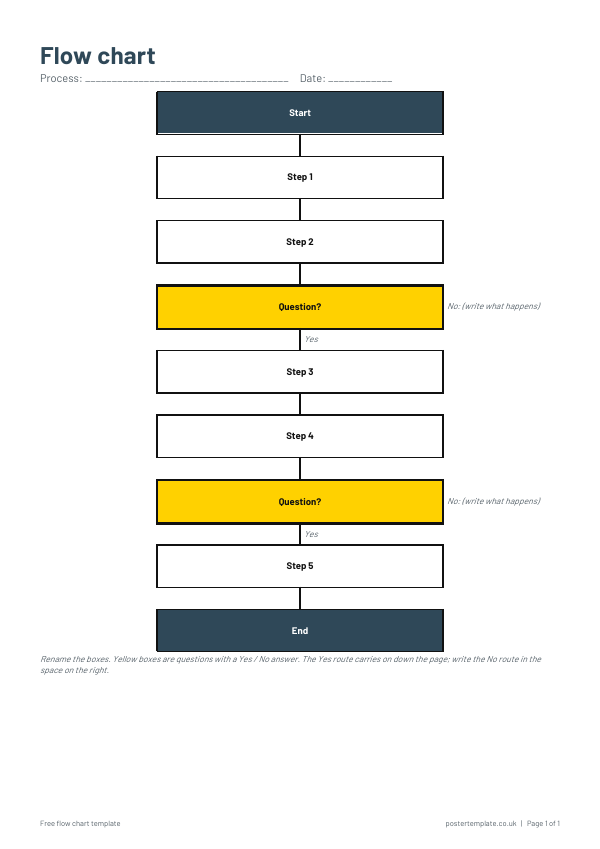 Flow chart templates
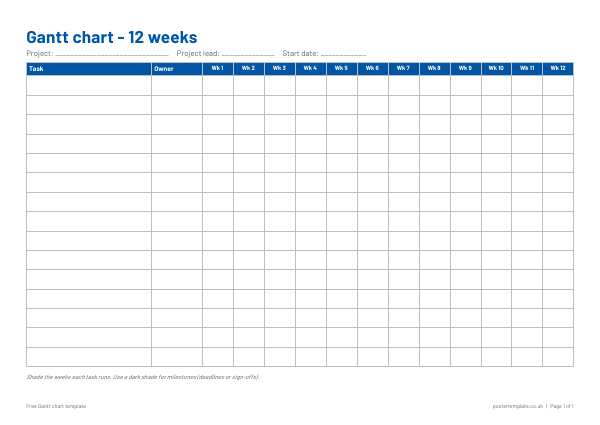 Gantt chart templates
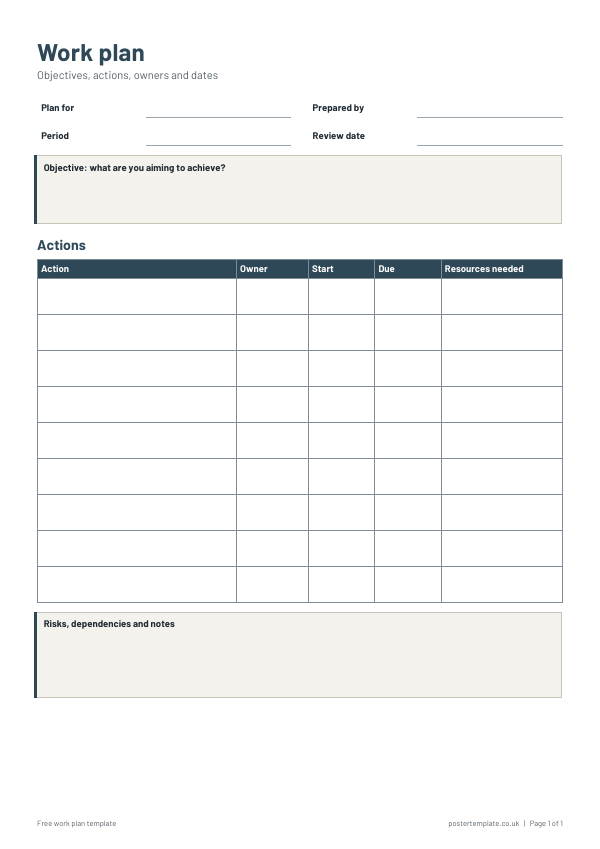 Work plan templates
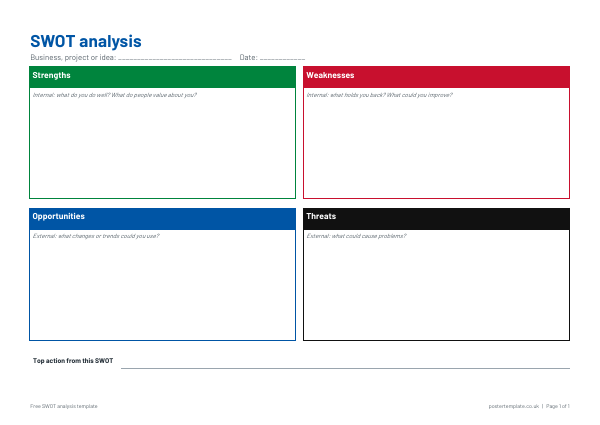 SWOT analysis templates
Free, no sign-up. Edit the Word file or print the PDF. All templates