Template
Newsletter templates
Two free one-page newsletters for A4.
Download the template
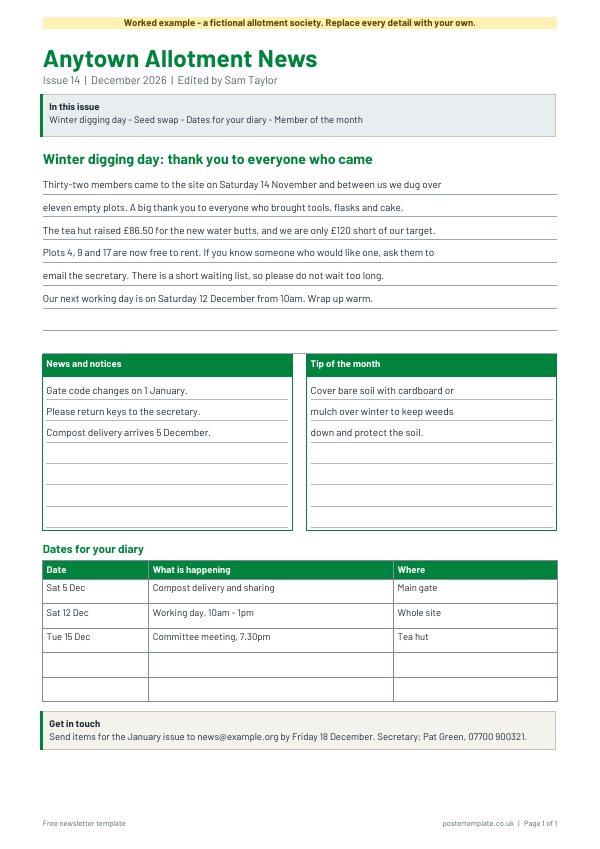
Newsletter (club, school or community)
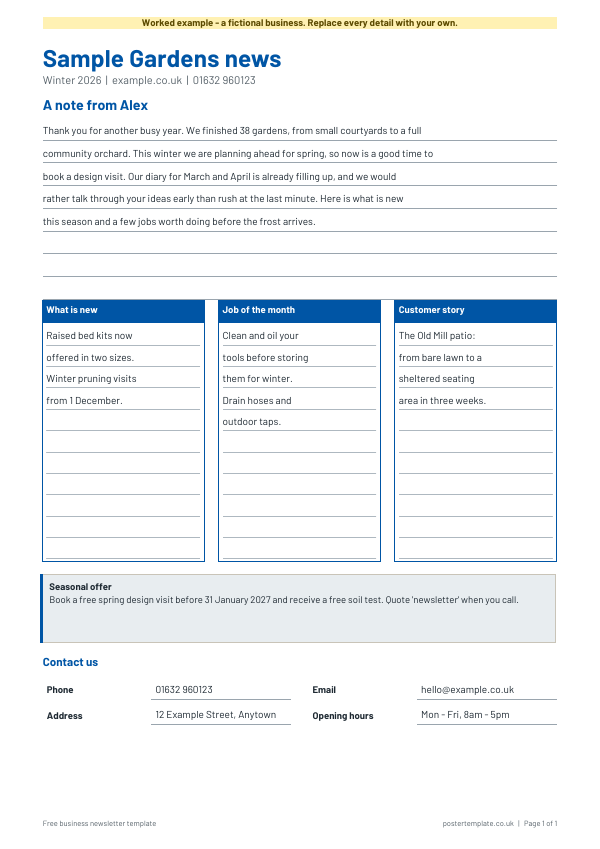
Newsletter (customer or business update)
Download everything
All 2 versions, in Word and PDF, in one ZIP file (847 KB).
How to use it
- Download the Word file and type your newsletter name and issue date at the top.
- Write the main story first, then fill the smaller boxes.
- Add the dates people need to remember in the table.
- Replace the contact box with how readers can send you news or get in touch.
- Proofread names and dates, then print or save as a PDF.
About this template
The first suits a club, school, residents' group or community project: a masthead, an "in this issue" box, a main story, news and tips boxes, a dates table and a contact box. The second is a customer or business update: a note from the owner, three short columns, a seasonal offer and contact details. Both come as editable Word files and as PDFs, in blank and worked-example versions. Print them, pin them to a noticeboard, hand them out, or save as PDF to email.
Questions
How long should the main story be?
Keep it to a paragraph or two. The ruled lines show roughly how much fits on one page, and Word lets you add more.
Can I add photos?
Yes. In Word, choose Insert, then Picture, and place it beside a story. Keep photos small so the page stays on one sheet.
Can I use it for an email newsletter?
These are print-first layouts. For an email newsletter, copy the text into your email tool and keep the same order of sections.
Do I need permission to name people?
If you publish names or photos of children or members, check your group's policy and the ICO's guidance on personal data first.
Related templates
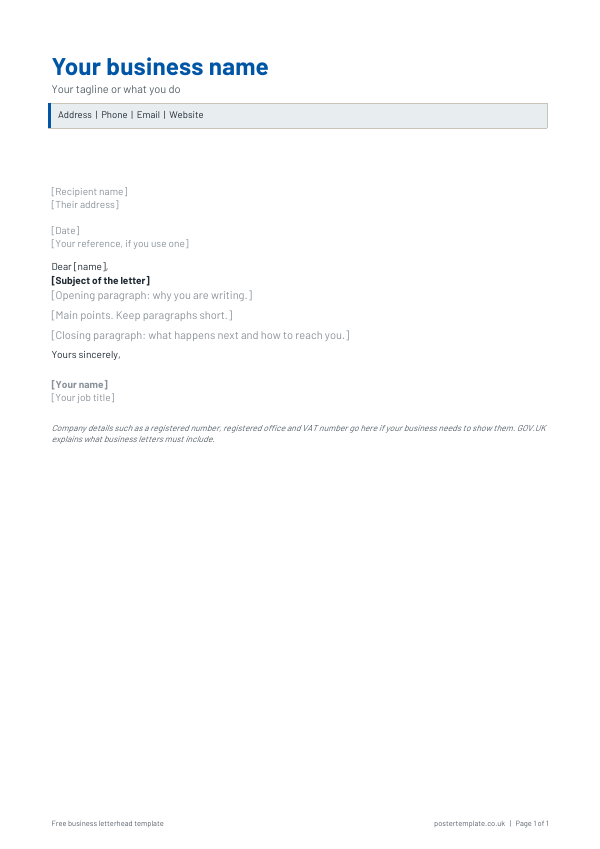 Letterhead templates
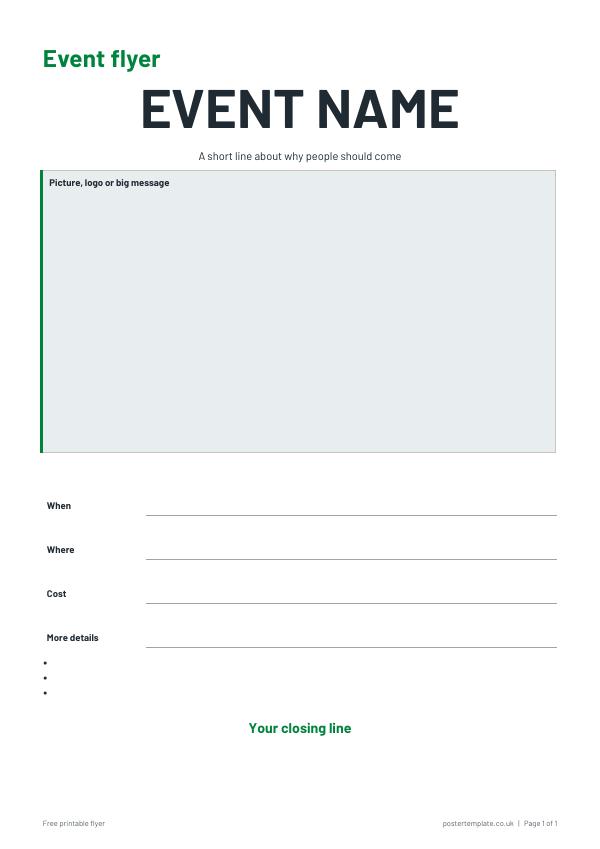 Flyer templates
 Fact sheet templates
 Bookmark templates
Free, no sign-up. Edit the Word file or print the PDF. All templates