Template
Flyer templates
Two free flyers for the jobs most people need one for.
Download the template
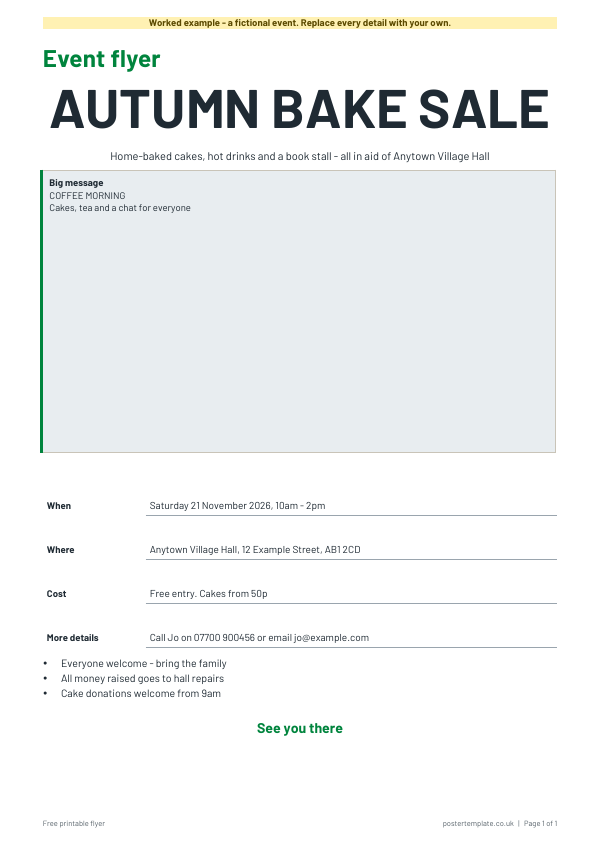
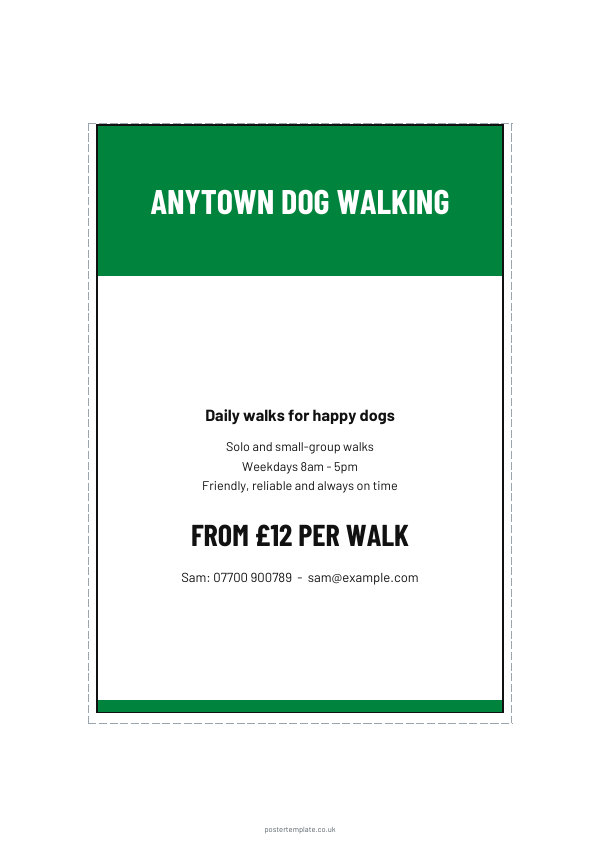
Download everything
All 2 versions, in Word and PDF, in one ZIP file (841 KB).
How to use it
- Choose the event flyer (A4) or the services flyer (A5).
- Edit the title and the one sentence that tells people why to come or call.
- Add the date, place, price and a phone number or email.
- Drop a photo or logo into the picture box, or leave it for a drawing.
- Print a test copy first. Check spelling, the date and the phone number twice.
About this template
The A4 event flyer has a large title, a picture box, the key details and a closing line, ideal for a bake sale, quiz night or jumble sale. The A5 services flyer has a bold header, three short offer lines, a price and a contact line, for a dog walker, cleaner, tutor or gardener. Each comes as a blank and a filled-in example in Word and PDF, with fictional names and numbers you replace. Colours are brand-safe green, and Barlow type keeps it readable from across a room.
Questions
Can I print flyers at home?
Yes. For a big batch, a local print shop is usually quicker. Take the PDF.
What size should a flyer be?
A5 is easy to hand out and pop through letterboxes. A4 works for notice boards.
Can I put a QR code on it?
Yes. Make one with any free generator and paste it in the picture box.
Do I need to say who is running the event?
It helps. Add your name or group in the details. Some advertising has legal requirements, so check GOV.UK's guidance on marketing and advertising law.
Related templates
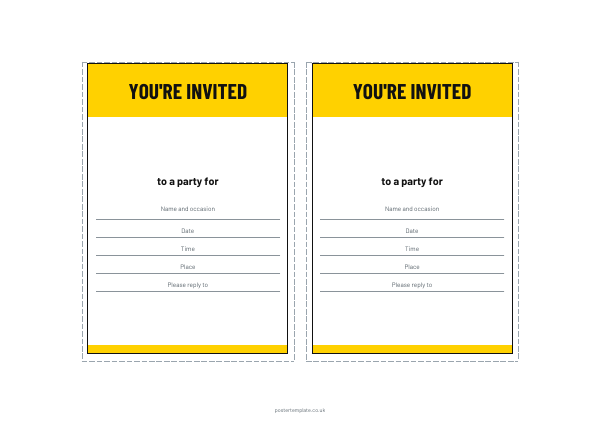 Party invitation templates
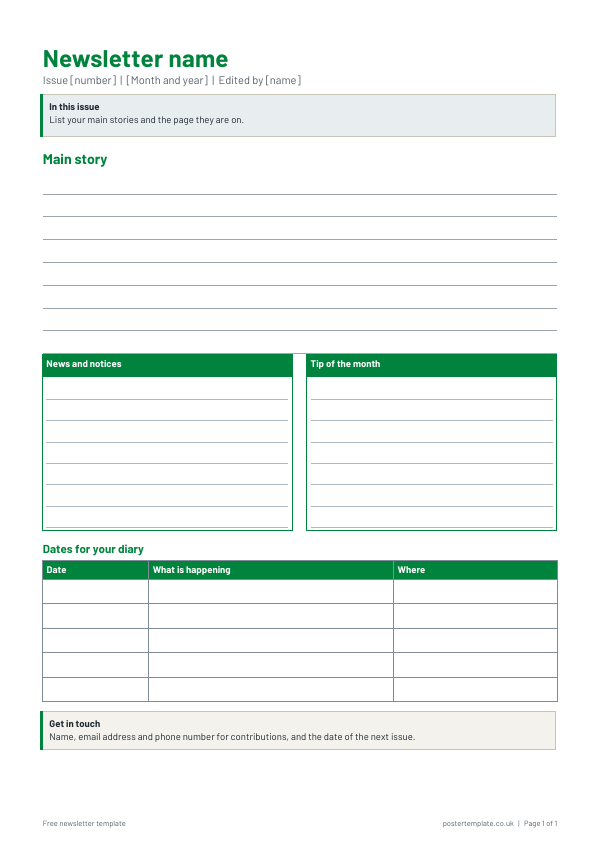 Newsletter templates
 Letterhead templates
 Business card templates
 Fact sheet templates
Free, no sign-up. Edit the Word file or print the PDF. All templates